How Static Images Become Dynamic Assets: A Practical Guide to Photo to Video AI

Online communication is becoming more video-oriented, yet most organizations still own far more static assets than motion footage. Retailers have product photographs, brands have campaign images, families have old photos, designers have illustrations, and photographers have carefully composed stills. Producing new video can require a location, equipment, performers, and editing. Existing images already contain visual value; the practical question is how to extend that value into time.
Image-to-video is not simply a command to “make this move.” Useful animation requires decisions about camera movement, subject behavior, visual stability, and the purpose of the final clip. Movement should guide attention or communicate an idea, not exist only to prove that the image can be animated.
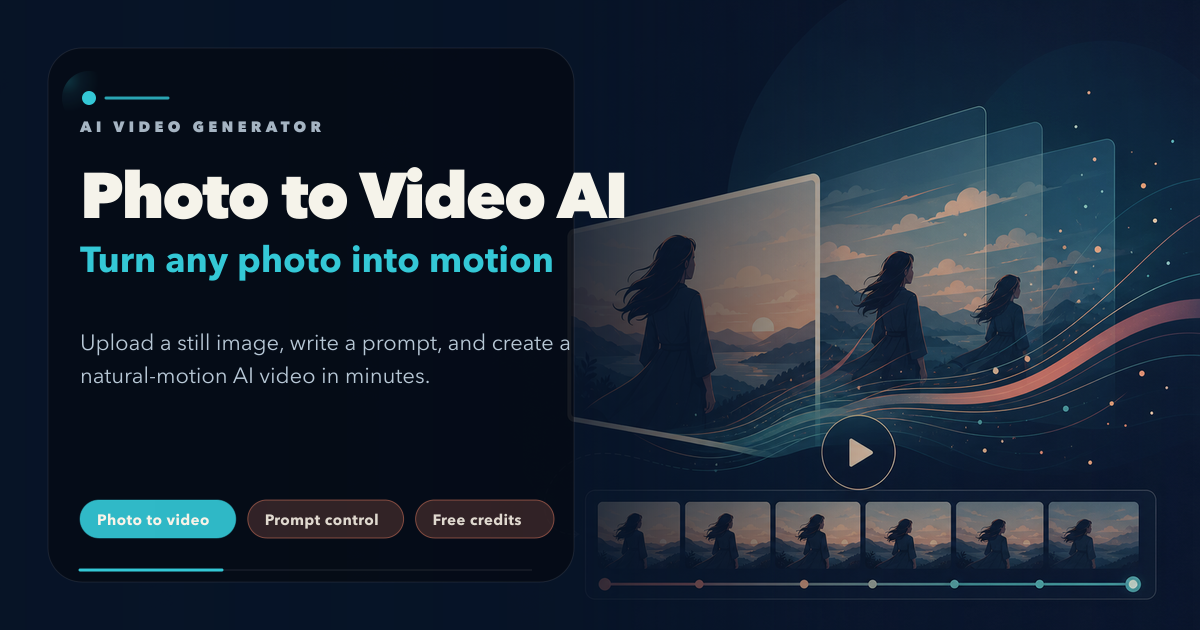
From a still moment to a visual sequence
A photograph captures a single state. Video creates relationships between states. A slow camera push can focus attention, a subtle turn can make a portrait feel present, and controlled changes in light can reveal a product's material. The value of motion is not its quantity, but its contribution to meaning.
A strong image-to-video prompt therefore has three parts: subject motion, camera motion, and stability constraints. For example: “Keep the cup shape and logo unchanged, let steam rise slowly, use a subtle forward camera move, and maintain a softly blurred background.” This is more useful than asking for a dramatic cinematic video without specifying what should happen.
A practical entry point for everyday creation
Photo to Video AI lets users begin with a portrait, product photograph, pet image, artwork, or everyday photo and add a written motion direction. Access to several video model options supports different kinds of movement and visual character without requiring the user to assemble a technical generation environment.
This workflow is especially relevant to people who already have strong still assets but do not have a dedicated video team. It will not replace every shoot. It can, however, create concept tests, short social clips, motion variations, and new uses for material that would otherwise remain static.
How to write a useful motion prompt
- Identify the subject. Say what the viewer should focus on and which visual features define it.
- Choose one primary action. A blink, a slow product turn, moving fabric, or rising steam is easier to control than several simultaneous events.
- Add simple camera language. A slow push, slight pan, or locked camera is usually more stable than an elaborate orbit.
- Protect important details. Product logos, facial identity, written text, hands, and background geometry should be explicitly preserved when they matter.
- Describe tone and destination. “Clean commercial product clip,” “warm family memory,” and “quiet documentary moment” imply different pacing, light, and movement.
Five high-value applications
- Product marketing: add controlled movement to furniture, apparel, food, or consumer products for detail pages and social ads.
- Portraits and weddings: turn selected images into restrained motion segments for invitations, memory films, and event presentations.
- Old photographs: use subtle expression and camera movement to create a new viewing experience while preserving the original as the historical source.
- Illustration and concept art: animate clouds, light, hair, water, or environmental elements to test mood and world-building.
- Pets and social storytelling: develop a short visual moment from a photograph with a strong expression or pose.
Avoid the “more motion is better” trap
A single image does not contain information about every hidden surface. A large body turn, fast rotation, or complicated physical action forces the model to invent more of the scene and increases the risk of deformation. Begin with small, continuous, physically plausible motion. Once the subject remains stable, increase complexity gradually.
Composition also matters. If a subject is cropped tightly, the model has little room to create a wide camera move. If hands are already unclear, asking for detailed finger motion is risky. The source image should support the requested action rather than work against it.
Design backward from the channel
A product page needs accuracy and restraint; a short narrative can accept more dramatic movement. Vertical feeds reward an understandable action in the first seconds, while a memorial video values natural pacing and respect. A clip becomes useful only when its movement fits the audience and delivery context.
The purpose of image-to-video is not to replace photography or editing. It is to expand the expressive range of a good still. By understanding motion, constraints, and destination, creators can test ideas at lower cost and reserve formal production resources for the concepts that have already proved their value.
Online communication is becoming more video-oriented, yet most organizations still own far more static assets than motion footage. Retailers have product photographs, brands have campaign images, families have old photos, designers have illustrations, and photographers have carefully composed stills. Producing new video can require a location, equipment, performers, and editing. Existing images already contain visual value; the practical question is how to extend that value into time.
Image-to-video is not simply a command to “make this move.” Useful animation requires decisions about camera movement, subject behavior, visual stability, and the purpose of the final clip. Movement should guide attention or communicate an idea, not exist only to prove that the image can be animated.
From a still moment to a visual sequence
A photograph captures a single state. Video creates relationships between states. A slow camera push can focus attention, a subtle turn can make a portrait feel present, and controlled changes in light can reveal a product's material. The value of motion is not its quantity, but its contribution to meaning.
A strong image-to-video prompt therefore has three parts: subject motion, camera motion, and stability constraints. For example: “Keep the cup shape and logo unchanged, let steam rise slowly, use a subtle forward camera move, and maintain a softly blurred background.” This is more useful than asking for a dramatic cinematic video without specifying what should happen.
A practical entry point for everyday creation
Photo to Video AI lets users begin with a portrait, product photograph, pet image, artwork, or everyday photo and add a written motion direction. Access to several video model options supports different kinds of movement and visual character without requiring the user to assemble a technical generation environment.
This workflow is especially relevant to people who already have strong still assets but do not have a dedicated video team. It will not replace every shoot. It can, however, create concept tests, short social clips, motion variations, and new uses for material that would otherwise remain static.
How to write a useful motion prompt
- Identify the subject. Say what the viewer should focus on and which visual features define it.
- Choose one primary action. A blink, a slow product turn, moving fabric, or rising steam is easier to control than several simultaneous events.
- Add simple camera language. A slow push, slight pan, or locked camera is usually more stable than an elaborate orbit.
- Protect important details. Product logos, facial identity, written text, hands, and background geometry should be explicitly preserved when they matter.
- Describe tone and destination. “Clean commercial product clip,” “warm family memory,” and “quiet documentary moment” imply different pacing, light, and movement.
Five high-value applications
- Product marketing: add controlled movement to furniture, apparel, food, or consumer products for detail pages and social ads.
- Portraits and weddings: turn selected images into restrained motion segments for invitations, memory films, and event presentations.
- Old photographs: use subtle expression and camera movement to create a new viewing experience while preserving the original as the historical source.
- Illustration and concept art: animate clouds, light, hair, water, or environmental elements to test mood and world-building.
- Pets and social storytelling: develop a short visual moment from a photograph with a strong expression or pose.
Avoid the “more motion is better” trap
A single image does not contain information about every hidden surface. A large body turn, fast rotation, or complicated physical action forces the model to invent more of the scene and increases the risk of deformation. Begin with small, continuous, physically plausible motion. Once the subject remains stable, increase complexity gradually.
Composition also matters. If a subject is cropped tightly, the model has little room to create a wide camera move. If hands are already unclear, asking for detailed finger motion is risky. The source image should support the requested action rather than work against it.
Design backward from the channel
A product page needs accuracy and restraint; a short narrative can accept more dramatic movement. Vertical feeds reward an understandable action in the first seconds, while a memorial video values natural pacing and respect. A clip becomes useful only when its movement fits the audience and delivery context.
The purpose of image-to-video is not to replace photography or editing. It is to expand the expressive range of a good still. By understanding motion, constraints, and destination, creators can test ideas at lower cost and reserve formal production resources for the concepts that have already proved their value.


评论
发表评论